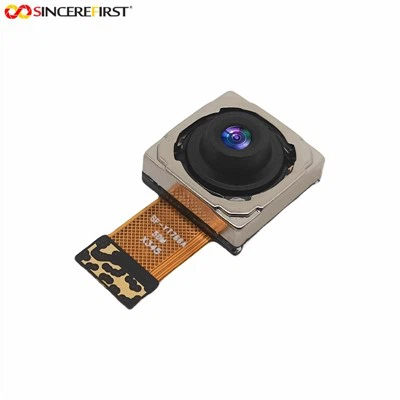
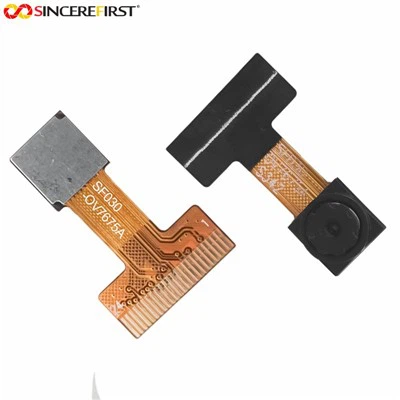
Hey there! As a supplier of OV9281 Camera Modules, I often get asked about the synchronization method for multiple OV9281 Camera Modules. So, I thought I'd share some insights on this topic.
First off, let's understand why synchronization is important when using multiple camera modules. In many applications, such as surveillance systems, 3D reconstruction, and multi - angle video recording, we need all the cameras to capture images at the exact same time. This ensures that the data collected from different cameras is consistent and can be used effectively for further processing.
Hardware - based Synchronization
One of the most straightforward ways to synchronize multiple OV9281 Camera Modules is through hardware - based methods.
External Trigger Signals
The OV9281 Camera Modules can be configured to accept an external trigger signal. You can use a microcontroller or a dedicated timing circuit to generate this trigger signal. When the trigger signal is sent to all the camera modules simultaneously, they start capturing images at the same moment.
For example, you can use an Arduino board to generate a pulse signal. Connect the trigger output pin of the Arduino to the trigger input pins of all the OV9281 Camera Modules. Write a simple Arduino sketch to generate a high - level pulse at a specific interval or in response to an event. This way, you can control when all the cameras take pictures.
Shared Clock Source
Another hardware approach is to use a shared clock source. The OV9281 Camera Modules rely on a clock signal for their internal operations. By providing a single clock source to all the camera modules, you can ensure that their internal timing is synchronized.


You can use a crystal oscillator or a clock generator chip to generate a stable clock signal. Connect the output of the clock source to the clock input pins of all the OV9281 Camera Modules. This shared clock will keep the cameras' internal counters and timers in sync, resulting in synchronized image capture.
Software - based Synchronization
In addition to hardware methods, software - based synchronization can also be used, especially when dealing with a network of cameras.
Timestamping
Software can be used to timestamp the images captured by each OV9281 Camera Module. Each camera sends the captured image along with a timestamp indicating when the image was taken. On the receiving end, the software can analyze these timestamps and adjust the data accordingly.
For instance, if you are using a computer to receive images from multiple cameras, you can write a program to compare the timestamps. If there are small differences in the timestamps, the program can interpolate or align the images to create a synchronized view.
Network - based Synchronization
When the OV9281 Camera Modules are connected to a network, you can use network - based protocols for synchronization. The Network Time Protocol (NTP) can be used to synchronize the internal clocks of all the devices in the network, including the cameras.
By ensuring that all the cameras have the same time, you can coordinate their image - capturing operations. For example, you can set a specific time for all the cameras to start capturing images. The cameras can then rely on their synchronized internal clocks to trigger the image capture at the right moment.
Considerations for Synchronization
When synchronizing multiple OV9281 Camera Modules, there are a few things to keep in mind.
Latency
There may be some latency in the trigger signal transmission or the image - capturing process. This latency can vary depending on the hardware setup and the distance between the cameras and the synchronization source. You need to measure and account for this latency in your synchronization algorithm.
Camera Configuration
Make sure that all the OV9281 Camera Modules are configured with the same settings, such as exposure time, gain, and resolution. Different settings can result in differences in the image - capturing process, which can affect synchronization.
Related Products
If you're interested in other camera modules, we also offer some great options. Check out our Night Vision VGA Omnivision Ov7720 CSI High Speed Usb2.0 Camera Module, which is perfect for low - light applications. Also, our 8mp External Trigger Webcam Android Waterproof Inspection USB2.0 Camera Module is great for industrial inspection tasks. And for high - resolution applications, our 1080P FHD Sony Imx291 Starlight - Level CMOS Face Recognition USB Camera Module is a top - notch choice.
Contact for Purchase
If you're looking to buy OV9281 Camera Modules or any of our other products, and you have questions about synchronization or any other technical details, feel free to reach out. We're here to help you find the best solution for your needs. Whether you're working on a small DIY project or a large - scale industrial application, we've got the right camera modules for you.
References
- Omnivision OV9281 Datasheet
- Arduino Documentation for External Signal Generation
- Network Time Protocol (NTP) Standards