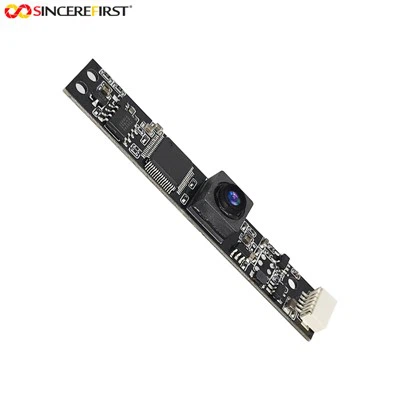
As a supplier of OV5640 Autofocus, I've encountered numerous customers facing autofocus jitter issues with the OV5640 camera module. In this blog post, I'll delve into the possible causes of autofocus jitter in the OV5640 and provide effective troubleshooting steps.
Understanding the OV5640 Autofocus System
The OV5640 is a popular 5-megapixel image sensor with autofocus capabilities. Its autofocus system uses a combination of hardware and software algorithms to adjust the lens position for sharp focus. However, various factors can disrupt this process, leading to jitter or unstable focusing.
Possible Causes of Autofocus Jitter
- Mechanical Issues:
- Loose lens mounts or misaligned lens barrels can cause the lens to move erratically during autofocus operations. This can be due to poor assembly or physical shock to the camera module.
- Worn-out lens actuators may not be able to hold the lens position accurately, resulting in jitter. Over time, the mechanical components of the actuator can degrade, affecting its performance.
- Electrical Interference:
- Power supply fluctuations can introduce noise into the autofocus control circuit. If the power source is not stable, the voltage supplied to the actuator may vary, causing the lens to move unpredictably.
- Electromagnetic interference (EMI) from nearby electronic components can also disrupt the autofocus signal. This can be a particular problem in compact devices where multiple components are packed closely together.
- Software and Firmware Problems:
- Incorrect autofocus algorithms or firmware bugs can lead to jitter. If the software is not calibrated correctly or has glitches, it may send inconsistent commands to the actuator, causing the lens to move erratically.
- Outdated firmware can also be a culprit. Manufacturers often release firmware updates to improve autofocus performance and fix bugs. Using an old version of the firmware may prevent the camera module from functioning optimally.
Troubleshooting Steps
- Mechanical Checks
- Inspect the Lens Mount: Carefully examine the lens mount for any signs of looseness or misalignment. If the lens is not firmly attached, it can cause jitter. You may need to disassemble the camera module (following proper safety procedures) and re - secure the lens mount. Make sure all screws are tightened to the correct torque.
- Check the Lens Actuator: Look for any visible signs of damage or wear on the lens actuator. If the actuator appears to be malfunctioning, it may need to be replaced. You can refer to the OV5640 Autofocus product documentation for detailed instructions on actuator replacement.
- Electrical Checks
- Verify the Power Supply: Use a multimeter to measure the voltage supplied to the camera module. Ensure that the voltage is within the specified range for the OV5640. If the voltage is unstable, check the power source and consider using a voltage regulator or a more stable power supply.
- Reduce Electromagnetic Interference: If possible, move the camera module away from other electronic components that may be generating EMI. You can also use shielding materials to protect the camera module from electromagnetic interference. Additionally, check the grounding of the camera module to ensure proper electrical isolation.
- Software and Firmware Checks
- Update the Firmware: Visit the manufacturer's website to check for the latest firmware version for the OV5640. Follow the instructions provided to update the firmware. This can often resolve autofocus jitter issues caused by software bugs or incorrect algorithms.
- Calibrate the Autofocus Algorithm: Some camera modules allow for manual calibration of the autofocus algorithm. Refer to the product documentation to see if this is possible for the OV5640. Calibrating the algorithm can help optimize the autofocus performance and reduce jitter.
Testing the Troubleshooting Results
After performing the troubleshooting steps, it's important to test the camera module to see if the autofocus jitter issue has been resolved. You can use a test target with high - contrast patterns to evaluate the autofocus performance. Take multiple photos at different distances and check for sharpness and stability in the focus.
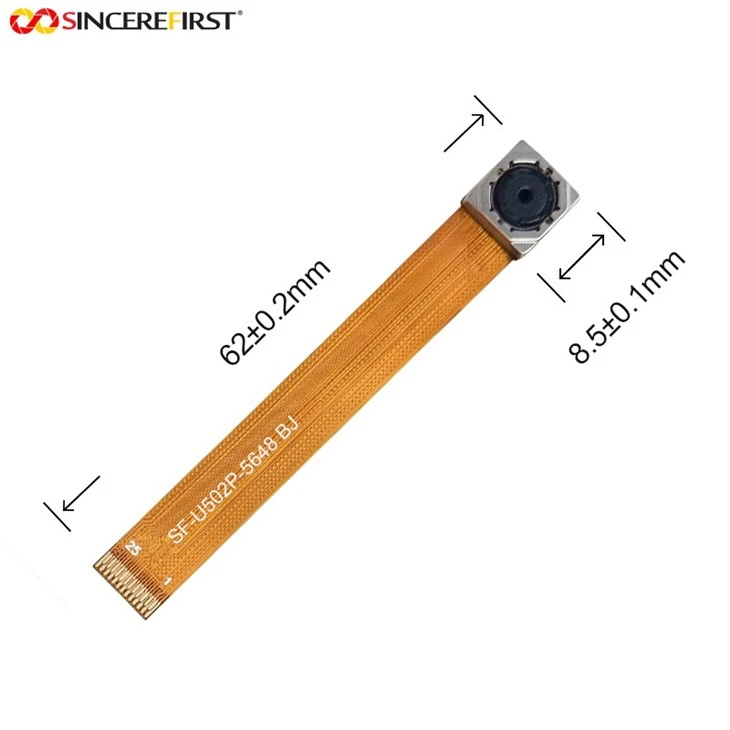
If the issue persists, it may be necessary to contact the manufacturer's technical support or consider replacing the camera module. We also offer a range of related products such as the OV5648 5MP Auto Focus USB Camera Module and 5MP USB Camera Auto Focus Lens 30FPS Camera Module that you may find useful in your applications.
Conclusion
Autofocus jitter in the OV5640 can be a frustrating issue, but by following the troubleshooting steps outlined in this blog, you can often identify and resolve the problem. Whether it's a mechanical, electrical, or software issue, a systematic approach to troubleshooting is key.
If you're still facing difficulties or are interested in purchasing our OV5640 Autofocus products or other related camera modules, we invite you to contact us for further discussion. Our team of experts is ready to assist you in finding the best solutions for your camera needs.

References
- OV5640 Product Datasheet
- Camera Module Autofocus System Design and Troubleshooting Guides