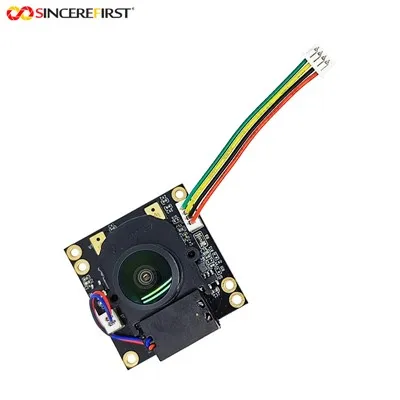
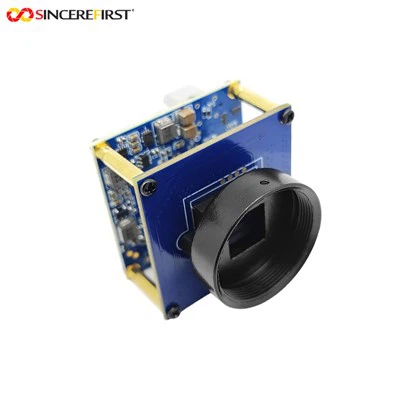
Can I adjust the settings of an 8mp USB camera module?
As a supplier of 8mp USB camera modules, I often encounter customers asking whether they can adjust the settings of these camera modules. The short answer is yes, in most cases, you can adjust the settings of an 8mp USB camera module, and in this blog post, I'll delve into the details of what settings can be adjusted, how to do it, and why it matters.
What settings can be adjusted?
Image Quality Settings
One of the most common adjustments users make is related to image quality. This includes settings such as resolution, brightness, contrast, saturation, and sharpness. For an 8mp USB camera module, you can typically choose different resolutions depending on your needs. Higher resolutions like 8 megapixels are great for capturing detailed images, but they also require more storage space and may result in slower frame rates. Lower resolutions, on the other hand, can be useful when you need a higher frame rate for applications like video conferencing.
Brightness adjustment allows you to make the image lighter or darker. If you're shooting in a dimly lit environment, increasing the brightness can help you get a clearer image. Contrast adjustment helps to enhance the difference between the light and dark areas of the image, making it look more vivid. Saturation affects the intensity of colors in the image, and sharpness can make the edges of objects in the image appear more defined.
Focus Settings
Many 8mp USB camera modules come with auto - focus (AF) capabilities. However, some also allow for manual focus adjustment. Auto - focus is convenient as it automatically adjusts the focus to keep the subject in sharp focus. Manual focus, on the other hand, gives you more control, especially in situations where the auto - focus may not work well, such as when shooting through glass or in low - light conditions. For example, our 8MP Sony IMX179 Auto Focus AF USB Camera Module offers both auto - focus and the option for manual fine - tuning if needed.
Exposure Settings
Exposure settings determine how much light the camera sensor captures. You can adjust the exposure time, which is the length of time the sensor is exposed to light. A longer exposure time is useful for low - light photography but can also cause motion blur if the subject or the camera is moving. Some camera modules also allow you to adjust the ISO sensitivity, which is a measure of the sensor's sensitivity to light. Higher ISO values can make the sensor more sensitive to light, but they also tend to introduce more noise into the image.
How to adjust the settings?
Software - based Adjustment
Most 8mp USB camera modules come with software that allows you to adjust the settings. The software is usually provided by the manufacturer and can be installed on your computer. Once installed, you can open the software and access a control panel where you can adjust various settings such as those mentioned above. The software often has an intuitive user interface, making it easy for even novice users to make adjustments.
Hardware - based Adjustment
In some cases, there may be hardware buttons or switches on the camera module itself that allow for basic settings adjustment. For example, there could be a button to switch between auto - focus and manual focus or to adjust the brightness in a simple way. However, more advanced settings are usually adjusted through the software.


Why adjusting settings matters?
Meeting Different Application Requirements
Different applications have different requirements for image quality. For example, if you're using the 8mp USB camera module for security surveillance, you may need high - resolution images with good night - vision capabilities. Adjusting the exposure and resolution settings can help you achieve this. On the other hand, if you're using it for live streaming, you may prioritize a high frame rate over high resolution, and you can adjust the settings accordingly.
Optimizing for the Environment
The lighting and other environmental conditions can vary greatly. By adjusting the settings of the camera module, you can optimize the image quality for the specific environment. For instance, in a brightly lit outdoor environment, you may need to reduce the exposure time and lower the ISO sensitivity to avoid overexposed images.
Other Considerations
Compatibility
When adjusting the settings, it's important to ensure that the settings you choose are compatible with your computer's hardware and the software you're using. Some older computers may not be able to handle high - resolution settings or may have issues with certain software features.
Firmware Updates
Manufacturers often release firmware updates for their camera modules. These updates can improve the performance of the camera and may also add new settings or improve the existing ones. It's a good idea to regularly check for firmware updates and install them to get the best possible experience.
Our Other Camera Modules
In addition to our 8mp USB camera modules, we also offer a range of other high - quality camera modules. For example, our 2.3MP AR0243 Sensor Full - hd Gige Camera Module is a great option for applications that require full - HD video with a different sensor technology. And our 1080P Sensor TypeC UVC PCB Board Camera Module is suitable for users who need a compact and versatile camera module with Type - C connectivity.
Contact Us for Procurement
If you're interested in our 8mp USB camera modules or any of our other products, we invite you to contact us for procurement. Our team of experts is ready to assist you in choosing the right camera module for your specific needs and can provide you with detailed information about the products and their settings adjustment capabilities. Whether you're a small business looking for a cost - effective solution or a large enterprise with high - end requirements, we have the products and the support to meet your needs.
References
- Camera Module Technology Handbook, various manufacturers
- Online resources on digital imaging and camera settings