

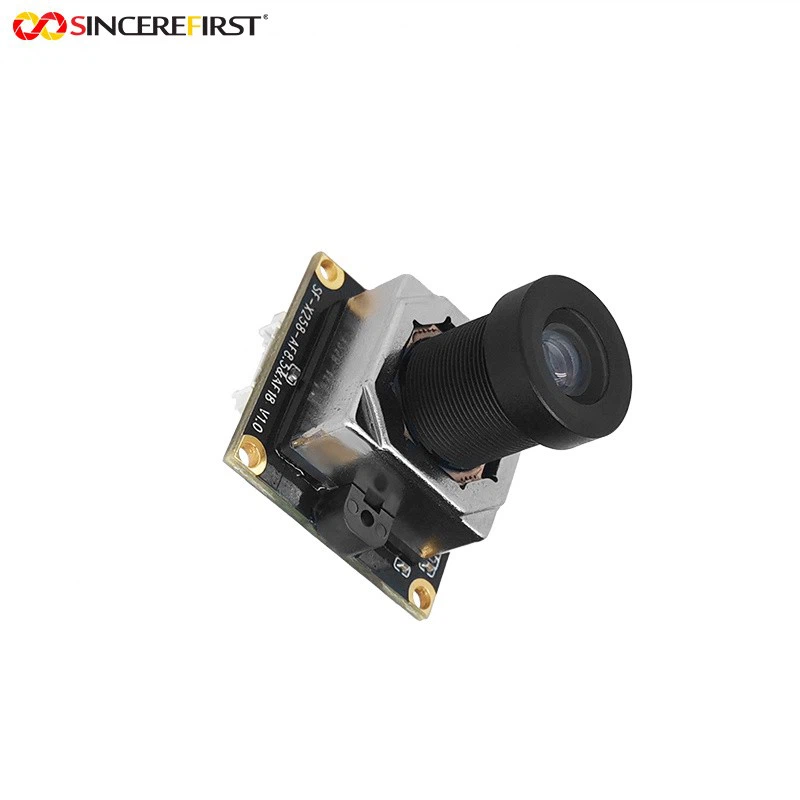
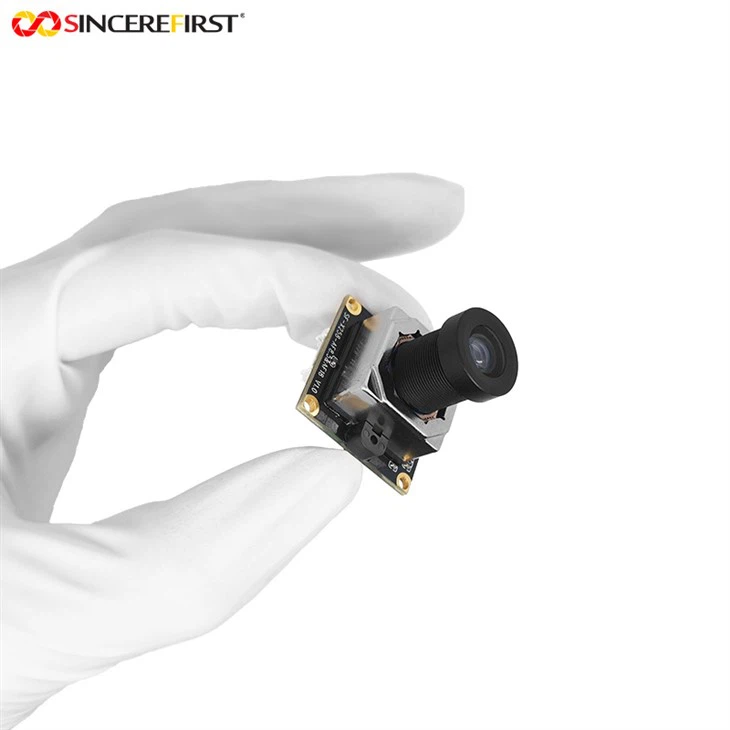
As a supplier of OV5640 Autofocus, I often receive inquiries from customers about how to adjust the sensitivity of the OV5640 autofocus. In this blog post, I will share some professional insights and practical methods to help you optimize the autofocus sensitivity of the OV5640.
Understanding the OV5640 Autofocus System
Before diving into the adjustment methods, it's essential to understand the basic working principle of the OV5640 autofocus system. The OV5640 is a high - performance image sensor with autofocus capabilities. It uses a contrast - based autofocus algorithm, which works by analyzing the contrast of the image in different focal positions. When the contrast reaches its maximum, the system assumes that the image is in focus.
The sensitivity of the autofocus system determines how quickly and accurately it can detect the optimal focus position. A higher sensitivity means that the system can respond more rapidly to changes in the scene and achieve focus faster, but it may also be more prone to false detections. On the other hand, a lower sensitivity can reduce false detections but may result in slower focusing speed.
Factors Affecting Autofocus Sensitivity
Several factors can influence the sensitivity of the OV5640 autofocus system:
1. Lighting Conditions
Good lighting is crucial for accurate autofocus. In low - light conditions, the contrast in the image is reduced, making it more difficult for the autofocus system to detect the optimal focus position. As a result, the sensitivity may need to be adjusted to compensate for the lack of contrast.
2. Scene Complexity
A complex scene with a lot of fine details or moving objects can pose challenges to the autofocus system. In such cases, the sensitivity may need to be adjusted to ensure that the system can quickly adapt to the changes in the scene.
3. Lens Characteristics
The quality and characteristics of the lens used with the OV5640 can also affect the autofocus sensitivity. A high - quality lens with good optical performance can provide better contrast and resolution, which can improve the autofocus accuracy and sensitivity.
Adjusting the Autofocus Sensitivity
Here are some steps and methods to adjust the sensitivity of the OV5640 autofocus:
1. Software Configuration
Most OV5640 autofocus modules come with software tools that allow you to configure various parameters, including the autofocus sensitivity. You can access these tools through a computer or a dedicated control interface.
In the software, look for parameters related to autofocus sensitivity, such as "focus step size", "contrast threshold", and "search range". Adjusting these parameters can directly affect the sensitivity of the autofocus system. For example, reducing the focus step size can make the system more sensitive to small changes in focus, while increasing the contrast threshold can reduce false detections.
2. Hardware Tuning
In some cases, hardware tuning may be required to optimize the autofocus sensitivity. This can involve adjusting the electrical parameters of the autofocus actuator, such as the driving voltage and current.
If the autofocus actuator is not receiving enough power, the focusing speed may be slow, and the sensitivity may be reduced. On the other hand, if the power is too high, it may cause overshooting and instability in the focusing process. Therefore, it's important to find the right balance by carefully adjusting the electrical parameters.
3. Calibration
Regular calibration of the OV5640 autofocus system is essential to maintain its sensitivity and accuracy. Calibration involves adjusting the system to ensure that it can accurately detect the focus position under different conditions.
You can use a calibration target with known patterns and distances to perform the calibration. By comparing the actual focus position with the expected position, you can make adjustments to the autofocus parameters to improve the sensitivity and accuracy.
Practical Tips for Optimal Autofocus Sensitivity
Here are some practical tips to help you achieve optimal autofocus sensitivity with the OV5640:
1. Choose the Right Lighting
As mentioned earlier, lighting conditions have a significant impact on autofocus sensitivity. Whenever possible, use bright and uniform lighting to ensure good contrast in the image. Avoid using direct sunlight or harsh shadows, as they can create uneven lighting and make it difficult for the autofocus system to work properly.
2. Select the Appropriate Scene Mode
Many OV5640 autofocus modules offer different scene modes, such as portrait, landscape, and macro. These modes are optimized for different types of scenes and can help improve the autofocus sensitivity. Choose the scene mode that best matches the current scene to achieve better focusing results.
3. Update the Firmware
Manufacturers often release firmware updates for the OV5640 autofocus modules to improve their performance and functionality. Make sure to regularly check for firmware updates and install them to ensure that your autofocus system is running the latest version with the best sensitivity and accuracy.
Related Products
If you are interested in other autofocus camera modules, we also offer a range of high - quality products, such as the OV5648 Industrial Machine Vision USB Separate Camera Module, the Industrial Autofocus Machine Vision USB Camera Module Hd Wide Fov, and the 13MP IMX258 Autofocus Stabilization USB Camera Module. These products are designed to meet the diverse needs of industrial and commercial applications.
Contact Us for Procurement
If you have any questions about the OV5640 autofocus or are interested in purchasing our products, please feel free to contact us. Our professional sales team is ready to provide you with detailed product information and support. We look forward to establishing a long - term and mutually beneficial partnership with you.
References
- OV5640 Datasheet, OmniVision Technologies, Inc.
- Autofocus Technology Handbook, Industry Standard Publications.
- Machine Vision System Design Guide, Professional Vision Publishing.


