Hey there! As a supplier of CMOS camera modules, I've been getting a bunch of questions lately about how to synchronize multiple CMOS camera modules. It's a pretty common challenge, especially for those who are working on projects that require multiple cameras to capture images or videos at the same time. So, I thought I'd share some tips and tricks on how to do it effectively.
First things first, let's talk about why you might need to synchronize multiple CMOS camera modules. There are several reasons why you might want to do this. For example, if you're working on a surveillance system, you might want to use multiple cameras to cover a large area. By synchronizing the cameras, you can ensure that they capture the same moment in time, which can be useful for analyzing footage and identifying suspects.
Another reason why you might want to synchronize multiple CMOS camera modules is for 3D imaging or stereo vision. In these applications, you need two or more cameras to capture images from different angles at the same time. By synchronizing the cameras, you can ensure that the images are aligned correctly, which is essential for creating accurate 3D models or depth maps.
Now that we've covered the why, let's talk about the how. There are several ways to synchronize multiple CMOS camera modules, and the method you choose will depend on your specific requirements and the hardware you're using. Here are some of the most common methods:
Hardware Synchronization
Hardware synchronization is the most reliable way to synchronize multiple CMOS camera modules. This method involves using a hardware signal, such as a trigger pulse or a clock signal, to ensure that all the cameras start capturing images or videos at the same time.
To use hardware synchronization, you'll need to connect all the cameras to a common trigger source or clock signal. This can be done using a dedicated synchronization cable or by using the camera's built-in synchronization features. Once the cameras are connected, you can send a trigger signal to all the cameras simultaneously, which will cause them to start capturing images or videos at the same time.
One of the advantages of hardware synchronization is that it's very accurate and reliable. Since the cameras are triggered by a hardware signal, there's very little chance of them getting out of sync. However, hardware synchronization can be more expensive and complicated to set up than other methods, especially if you're using a large number of cameras.
Software Synchronization
Software synchronization is another way to synchronize multiple CMOS camera modules. This method involves using software to control the cameras and ensure that they start capturing images or videos at the same time.
To use software synchronization, you'll need to install a camera control software on your computer or a dedicated controller. The software will allow you to configure the cameras and send commands to start and stop capturing images or videos. You can also use the software to adjust the camera settings, such as the exposure time, gain, and frame rate.
One of the advantages of software synchronization is that it's relatively easy and inexpensive to set up. You don't need any additional hardware, and you can use the software to control the cameras from a single computer. However, software synchronization can be less accurate and reliable than hardware synchronization, especially if the cameras are connected to a network or if there's a lot of traffic on the network.
Time Stamping
Time stamping is a third way to synchronize multiple CMOS camera modules. This method involves adding a time stamp to each frame of the image or video captured by the cameras. By comparing the time stamps of the frames from different cameras, you can ensure that they were captured at the same time.
To use time stamping, you'll need to configure the cameras to add a time stamp to each frame. This can be done using the camera's built-in time stamping features or by using a third-party software. Once the cameras are configured, you can capture images or videos from all the cameras and save them to a storage device.
After you've captured the images or videos, you can use software to analyze the time stamps and ensure that the frames from different cameras were captured at the same time. You can also use the time stamps to align the frames from different cameras and create a single video or image that combines the footage from all the cameras.
One of the advantages of time stamping is that it's a relatively simple and inexpensive way to synchronize multiple CMOS camera modules. You don't need any additional hardware, and you can use the time stamps to synchronize the cameras even if they're not connected to the same network or if they're located in different locations. However, time stamping can be less accurate and reliable than hardware synchronization, especially if the cameras have different clock speeds or if there's a lot of latency in the network.
Choosing the Right Method
So, which method should you choose to synchronize multiple CMOS camera modules? The answer depends on your specific requirements and the hardware you're using. Here are some factors to consider when choosing a synchronization method:
- Accuracy: If you need very accurate synchronization, such as for 3D imaging or stereo vision, hardware synchronization is the best option.
- Reliability: If you need a reliable synchronization method that can work in a noisy or unstable environment, hardware synchronization is also the best option.
- Cost: If you're on a budget, software synchronization or time stamping might be a better option.
- Ease of use: If you're not very familiar with hardware or software, software synchronization or time stamping might be easier to set up and use.
Our Camera Modules
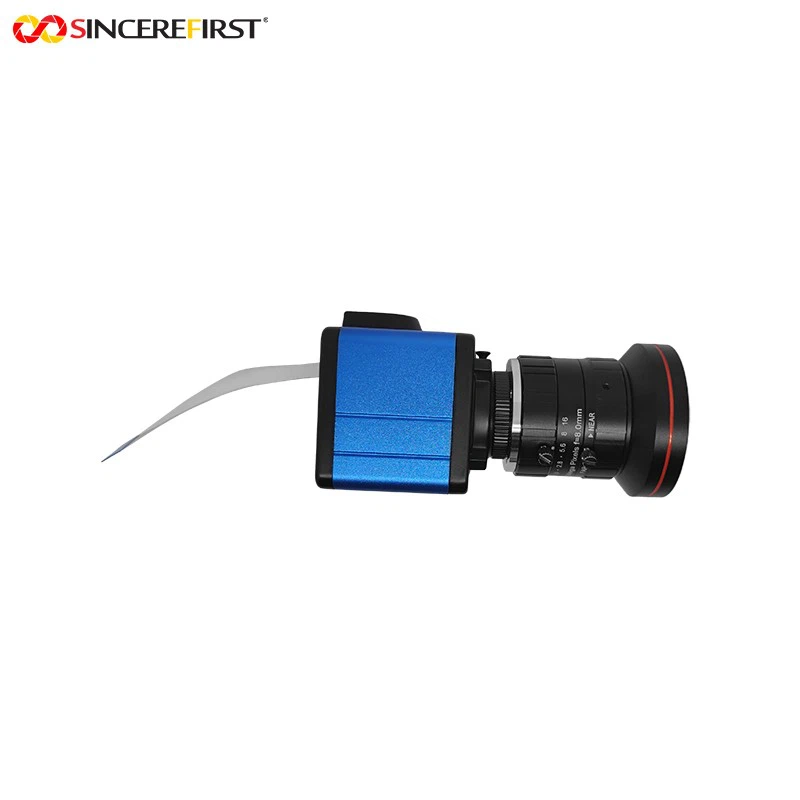
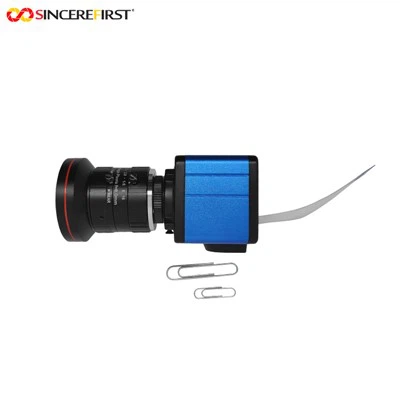
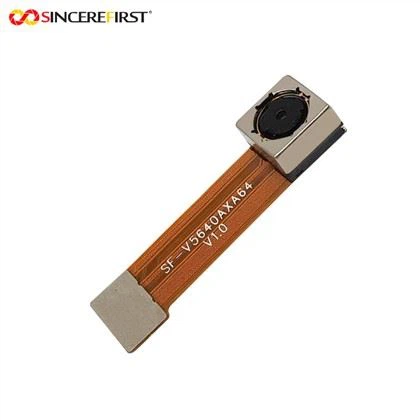
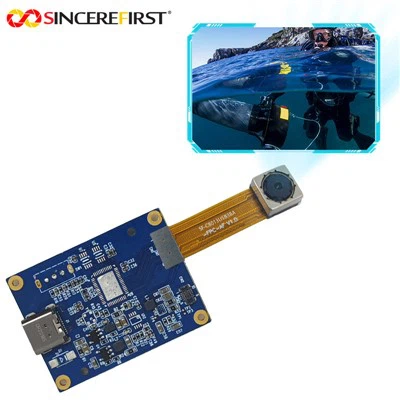
At our company, we offer a wide range of CMOS camera modules that are suitable for a variety of applications. Whether you're looking for a high-resolution camera for surveillance or a low-light camera for night vision, we have the right camera for you.
Some of our popular camera modules include the Low Light 8mp Sony IMX585 Sensor Starvis HDR Camera Module, the Omnivision OV50A40 OV50AB40 OB50C40 Image Camera Sensor Module, and the BF314ACS CMOS Camera Module. These camera modules are designed to provide high-quality images and videos, even in challenging lighting conditions.
If you're interested in learning more about our camera modules or if you have any questions about how to synchronize multiple CMOS camera modules, please don't hesitate to contact us. We'd be happy to help you find the right camera for your project and provide you with any technical support you might need.
Conclusion
Synchronizing multiple CMOS camera modules can be a challenging task, but it's essential for many applications. By choosing the right synchronization method and using high-quality camera modules, you can ensure that your cameras capture images and videos at the same time, which can be useful for analyzing footage, creating 3D models, and more.
If you're looking for a reliable supplier of CMOS camera modules, look no further than our company. We offer a wide range of camera modules that are suitable for a variety of applications, and we're committed to providing our customers with the best possible products and services.
So, what are you waiting for? Contact us today to learn more about our camera modules and how we can help you with your project. We're looking forward to hearing from you!