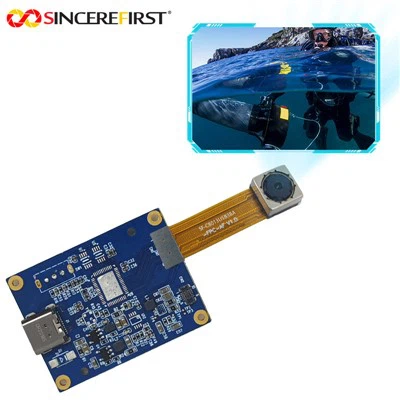
Hey there! As a supplier of Dvp Camera Modules, I totally get that losing the connection of your Dvp Camera Module can be a real pain in the neck. But don't worry, I'm here to walk you through some steps to troubleshoot this issue.
First off, let's understand why the connection might be lost. There could be a bunch of reasons. It could be a hardware problem, like a loose cable or a damaged connector. Or it could be a software issue, such as a driver problem or a configuration glitch.
Check the Hardware
The first thing you should do is to check the hardware connections. Make sure all the cables are properly plugged in. Sometimes, a simple jolt or vibration can cause a cable to come loose. So, give all the cables a gentle tug to make sure they're secure.
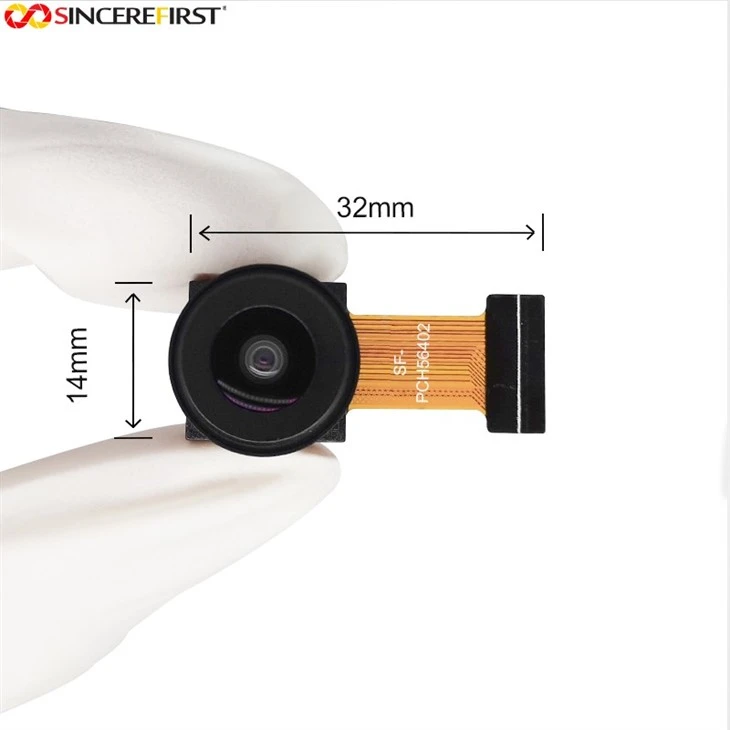
If you're using a OV7670 VGA Camera Module, check the FPC (Flexible Printed Circuit) cable. These cables are pretty thin and can be easily damaged. Look for any signs of fraying or cuts. If you find any, you might need to replace the cable.
Another thing to check is the power supply. A weak or unstable power supply can cause the camera module to lose its connection. Make sure the power adapter is properly plugged in and that it's providing the correct voltage. You can use a multimeter to check the voltage if you're not sure.
Check the Software
If the hardware seems to be okay, then it's time to look at the software side of things. The first step is to check the drivers. Make sure you have the latest drivers installed for your Dvp Camera Module. You can usually find the drivers on the manufacturer's website.
If you're using a Arducam MINI 2mp, the manufacturer's website will have the specific drivers you need. Installing the latest drivers can often fix connection issues.
Another software-related thing to check is the configuration settings. Sometimes, incorrect settings can cause the camera module to lose its connection. Make sure the settings in your application or operating system are correct. For example, if you're using the camera module with a Raspberry Pi, make sure the camera interface is enabled in the Raspberry Pi configuration.
Try a Different Port or Device
If you've checked the hardware and software and still can't get the connection working, try using a different port or device. Sometimes, a port on your computer or device might be faulty. Plug the camera module into a different USB port or try using it with a different computer.
If you're using a 5MP OV5640 Wide Angle Lens DVP Camera Module, it might work better on a different device. This can help you determine if the problem is with the camera module itself or with the device you're using it with.

Contact Technical Support
If you've tried all the above steps and still can't get the connection working, it might be time to contact technical support. As a Dvp Camera Module supplier, we have a team of experts who can help you troubleshoot the issue. We can provide you with more in-depth technical support and, if necessary, arrange for a replacement if the camera module is defective.
Conclusion
Losing the connection of your Dvp Camera Module can be frustrating, but there are usually ways to fix it. By checking the hardware, software, trying different ports or devices, and reaching out for technical support if needed, you should be able to get your camera module up and running again.
If you're in the market for a new Dvp Camera Module or need to replace an old one, we have a wide range of high-quality products to choose from. Whether you need a OV7670 VGA Camera Module, a Arducam MINI 2mp, or a 5MP OV5640 Wide Angle Lens DVP Camera Module, we've got you covered.
If you're interested in purchasing our Dvp Camera Modules or have any questions, feel free to reach out to us. We're here to help you find the right camera module for your needs and ensure that you have a smooth and hassle-free experience.
References
- General knowledge on Dvp Camera Modules and troubleshooting techniques.
- Manufacturer's documentation for OV7670 VGA Camera Module, Arducam MINI 2mp, and 5MP OV5640 Wide Angle Lens DVP Camera Module.